- Tap the hamburger menu icon (☰) on the left sidebar to expand the menu, then select Settings.
- The Settings page includes three sections: Device, Preference, and Facility.
I. Device section
-
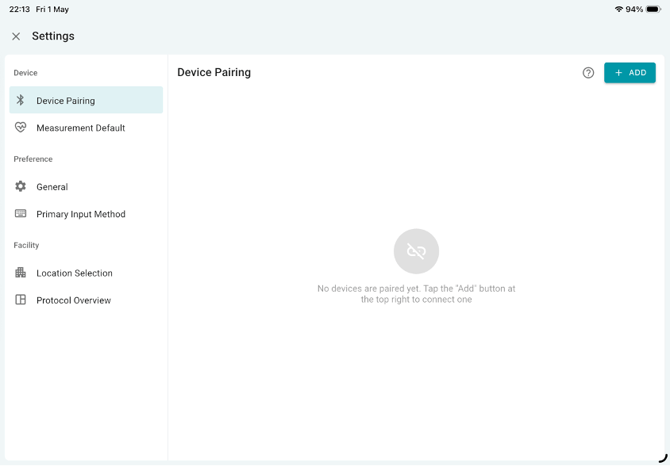
Device Pairing – Pair a new device with the iPad. See Device Pairing article for more details.
-
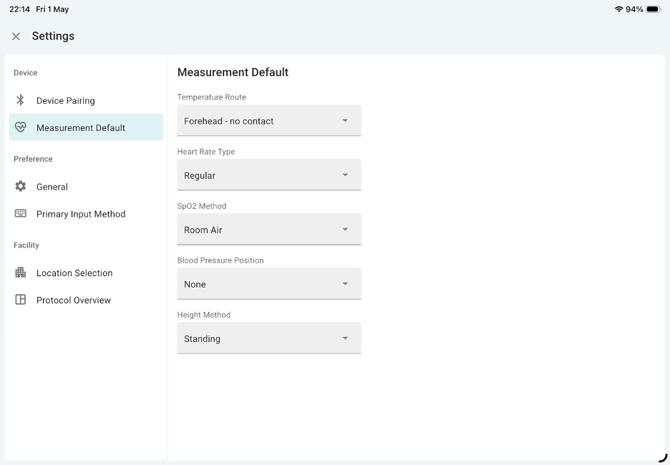
Measurement Default – Configure default measurement methods for each parameter under Measure > Vital Signs.
II. Preference section
-
General
- Display Resident Number – Shows the resident number synchronized from the PointClickCare (PCC) EHR system.
- Enable Infection Signs and Symptoms Tracking – When enabled, users can document Infection Signs and Symptoms under Measure > Vital Signs.
-
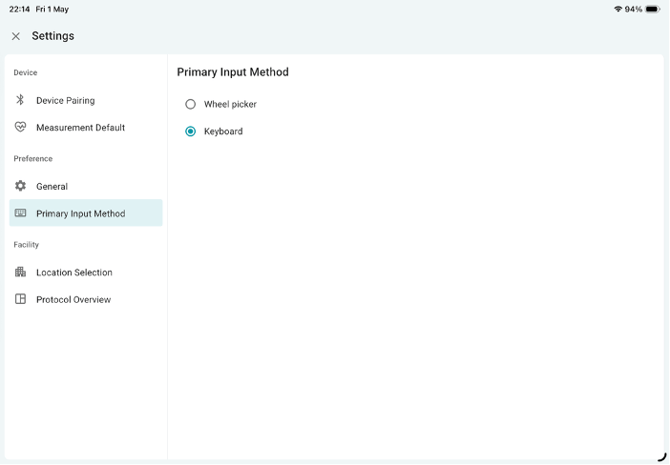
Primary Input Method (for numeric values)
- Wheel Picker – Scroll to select a number.
- Keyboard – Use the keyboard to enter a number manually.
III. Facility section
-
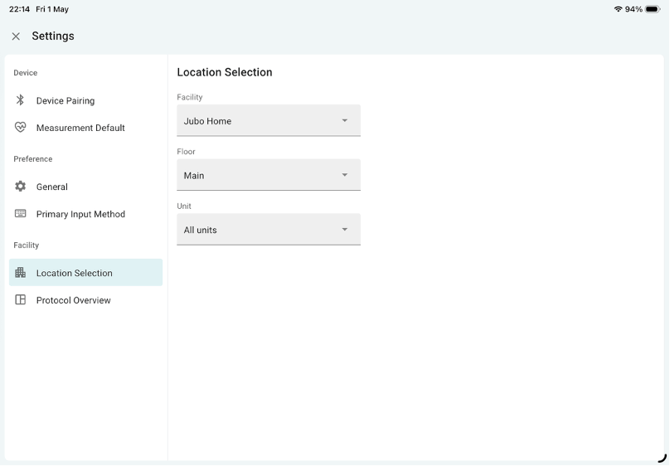
Location Selection – User can select from the facilities, floors, units where they are granted. The level of the accessibility is restricted by a specific user’s PCC account’s permission level that is set up in PCC EHR.
-
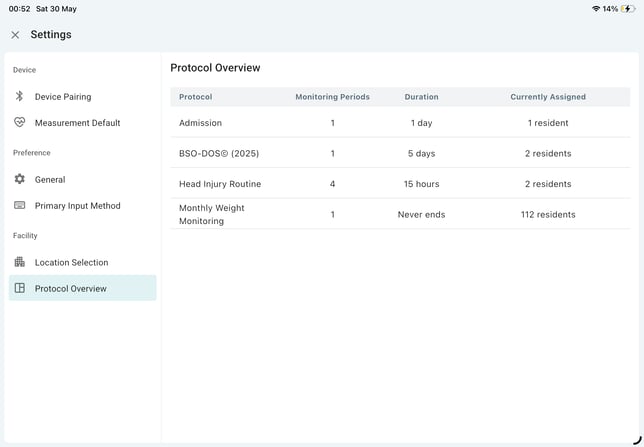
Protocol Overview – This provides an overview of all protocols and the residents assigned. To learn more about assigning protocols, please see the Protocol section.