
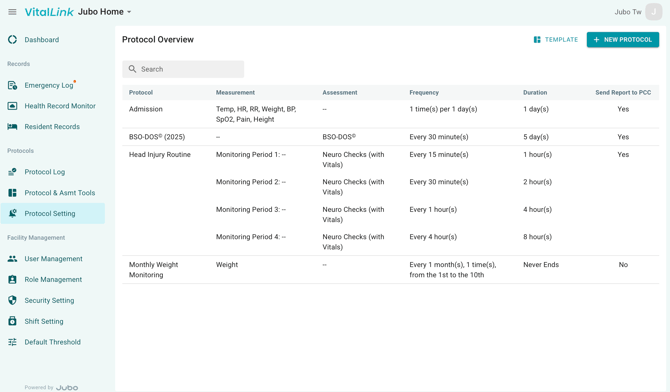
- Click Protocol Settings from the left sidebar menu.
- Click + NEW PROTOCOL in the top-right corner.
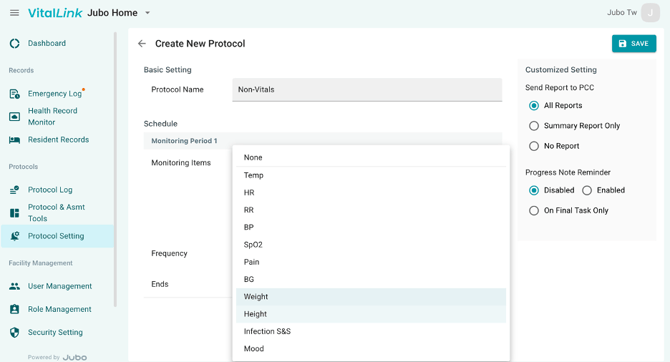
- Enter the protocol name.
- Select applicable measurement(s) from the dropdown menu of Monitoring Items. Or select assessments from the dropdown menu of Assessment, if needed.
- Enter the frequency.
- Select Never Ends to run the protocol continuously or choose Set Duration to define an end date.
- In the Custom Settings panel on the right, configure Send Report to EHR and Progress Note Reminder settings as needed.
- Click Save in the top-right corner to complete the setup.