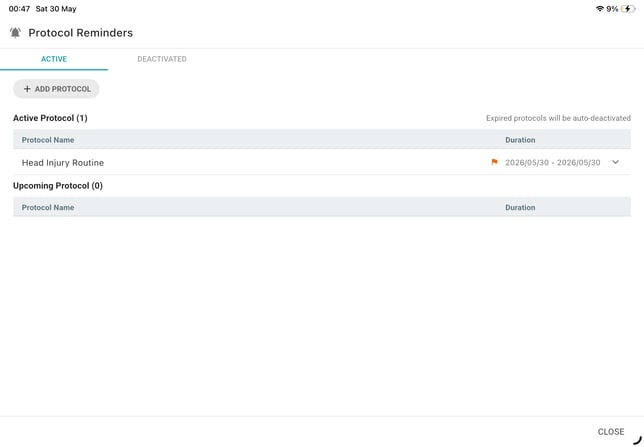
When assigning a protocol, you can mark it as Important. Once enabled, an orange flag will appear next to the protocol in the Reminder tab and also in the resident’s Protocol Reminder section.
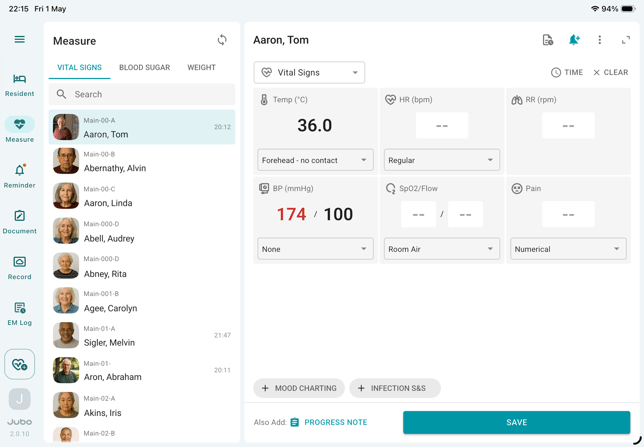
- Tap Measure from the left sidebar menu.
- Select a resident from the list.
- Tap the Protocol Reminder (bell icon) in the top-right corner of the measurement panel.
- Tap + Add Protocol.
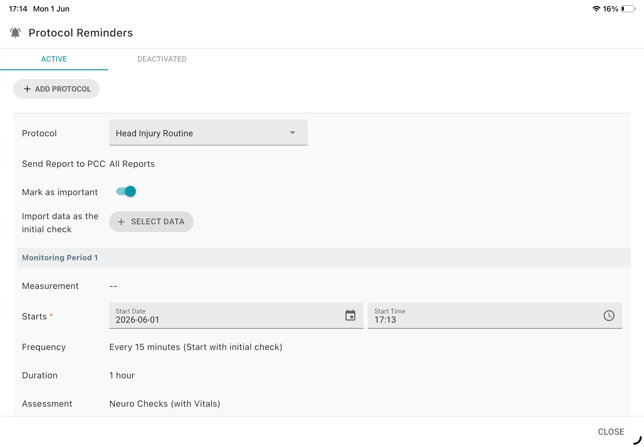
- Select a protocol from the dropdown menu.
- In the protocol settings, toggle Mark as Important.
- Tap Assign Protocol to complete the setup.
- In the active protocol list, an orange flag will appear next to the protocol.