
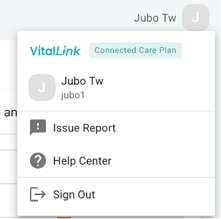
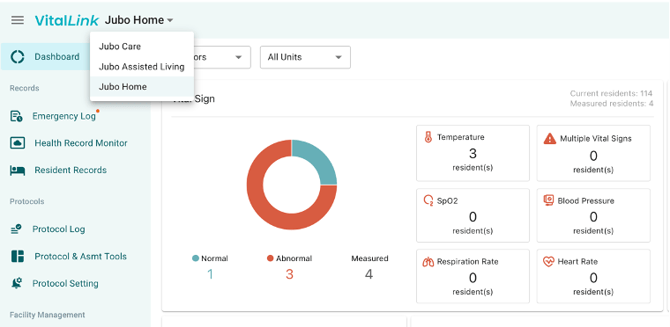
Beside the menu bar, the primary global controls available throughout the web portal include: the User Profile Menu at the top-right corner, and the Facility Switcher at the top-left corner beside the VitalLink logo.
I. User Profile Menu
- User – Update your display name or default facility/floor for app usage.
- Issue Report – Submit issues encountered in the web portal or app to the engineering team.
- Help Center – Access the VitalLink Knowledge Base.
- Sign Out – Sign out of the system.
II. Facility Switcher
- Switch between accessible facilities.
Note
Access to multiple facilities depends on the user’s role permissions configured in PointClickCare (PCC) EHR. Facility visibility is synchronized directly from PCC.