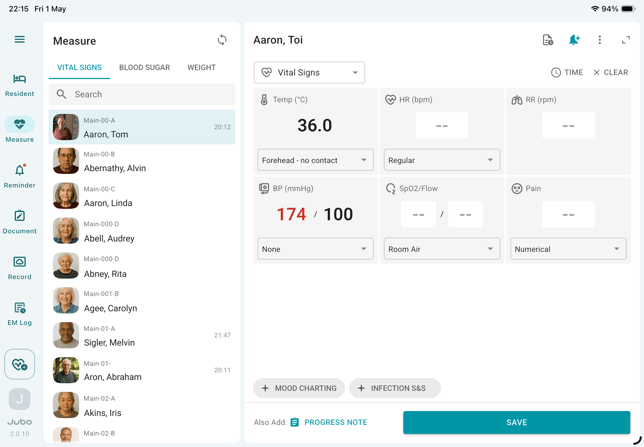
I. Review from the Resident menu
- Tap Resident (or Measure) in the left sidebar menu.
- Select a resident from the list.
- Tap the resident profile icon in the top-right corner to view medical history synchronized from PointClickCare EHR.
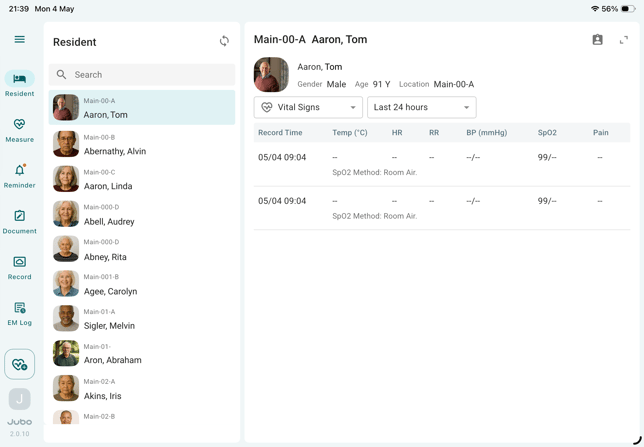
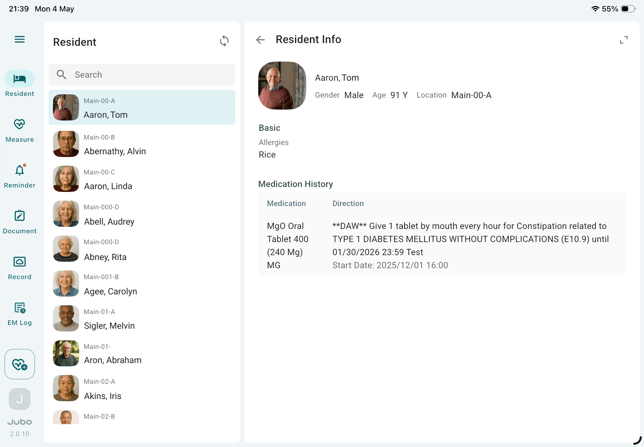
- The resident’s basic information will be displayed on the right, including Name, Location (floor/unit/bed in the facility), Allergies, and Medication History.
II. Review from the Measure menu (during measurement)
- Tap Measure in the left sidebar menu.
- Select Vital Signs, Blood Sugar, or Weight tab on top of the resident list.
- Select a resident to start recording.
- Tap the More (…) icon in the top-right corner to view the resident’s information.