
When signing in to the VitalLink Web Portal, users will land on the default home page — Dashboard.
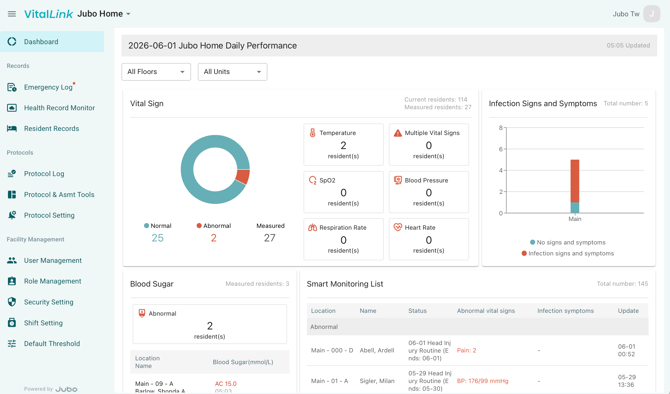
From the dashboard, users can:
- Use the All Floors and All Units filters to display data for selected locations.
- Navigate through dashboard data cards, including:
- Vital Signs – Displays overall measurement counts and abnormal readings.
- Infection Signs and Symptoms – Displays documentation counts and abnormal findings.
- Blood Sugar – Displays abnormal glucose values and associated resident lists.
- Smart Monitoring List – Displays residents assigned to protocols who have abnormal measurements or documented infection signs and symptoms.
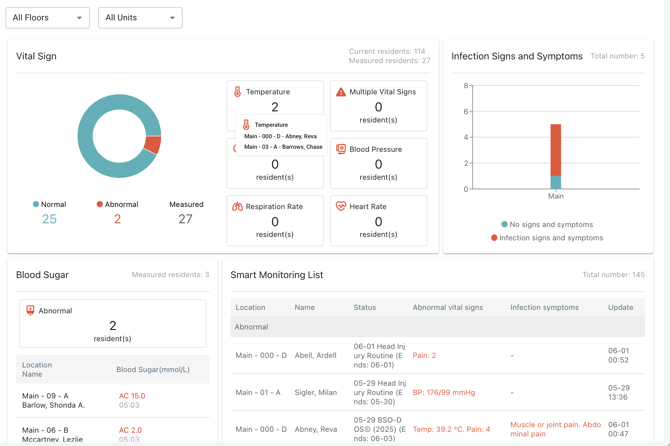
Note
The dashboard is available to users with access to Connected Care Plan or Monitor Plan.