-
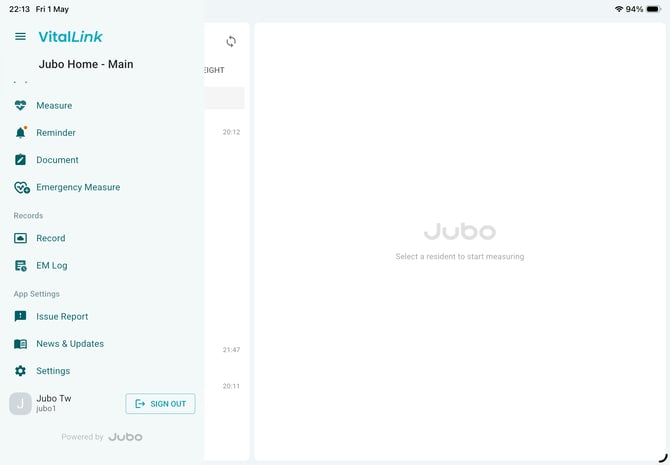
Tap the hamburger menu icon (☰) or your profile icon on the left sidebar to expand the menu.
-
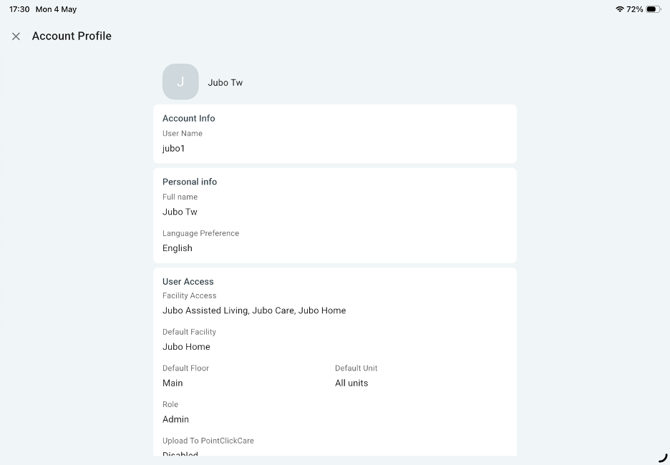
Tap your profile to view your account and system access information. These settings are configured by an administrator in the VitalLink Web Portal.
-
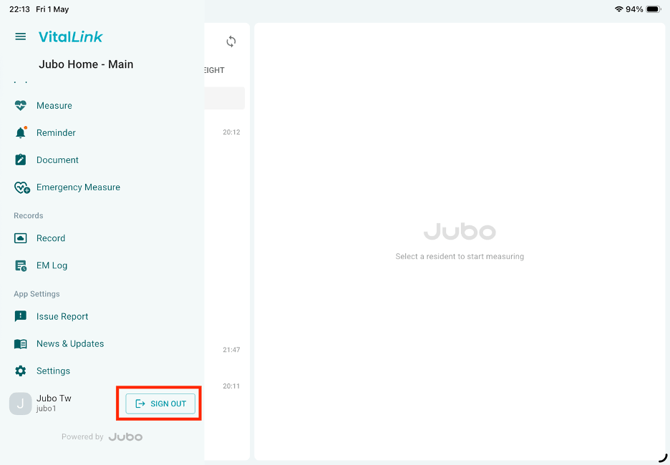
When you have finished your documentation session, tap Sign Out from the menu to log out.