
- Click on Measure in left sidebar menu.
- Click on the resident’s name.
- Click
 button to add a Protocol Reminder.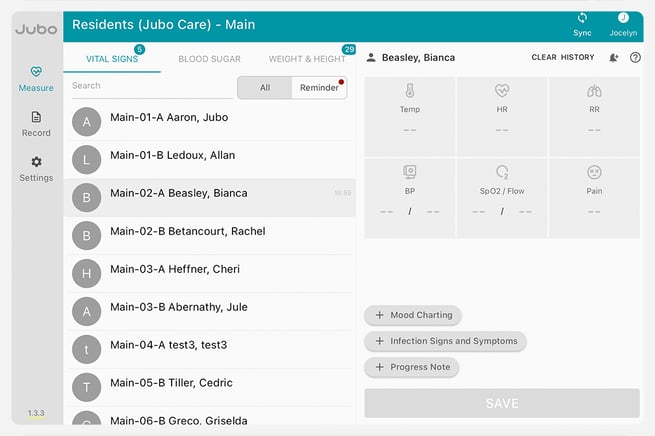
- Click + Add Protocol
- Click on the required Protocol.
- Select a start date and time as needed, Mark as important if needed, and click Assign Protocol.
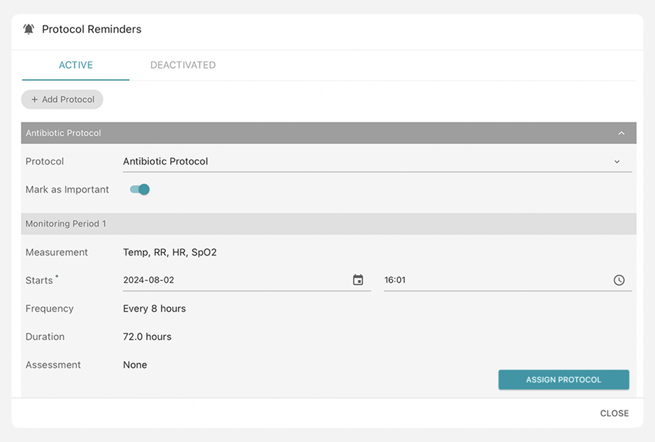
The start date and time only need to be edited if the Protocol will be starting at a later time and date. To start immediately, do not adjust the time and date. - To deactivate a Protocol, click
 and click Deactivate.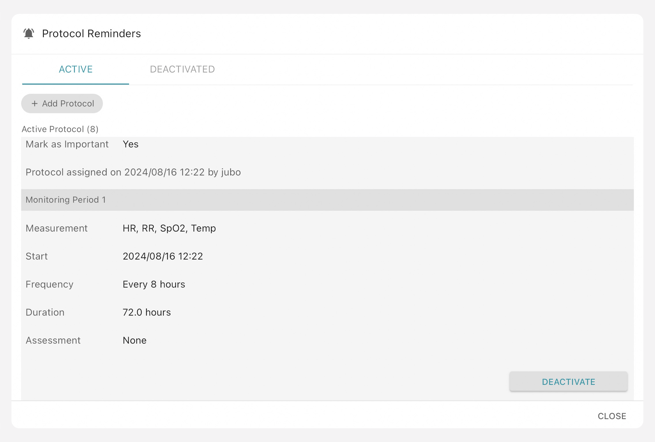
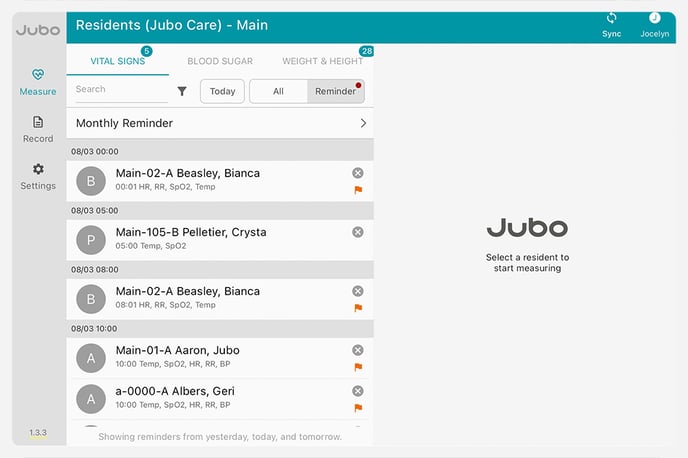
All Protocol Reminders will be displayed under the Reminder tab. 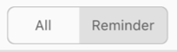
Learn more about flagging Important Protocols here.
Note: Protocols can be set facility-wide from the VitalLink Web Portal and assigned on an individual basis from the VitalLink App. Learn how to set protocols.
3:30 - Assigning protocols