![Jubo_Logo_web_200px.png]](https://help.jubohealth.com/hs-fs/hubfs/social-suggested-images/Jubo_Logo_web_200px.png?height=40&name=Jubo_Logo_web_200px.png)
- Click on Measure in the left sidebar menu.
- Click on the resident’s name.
- Click
 button.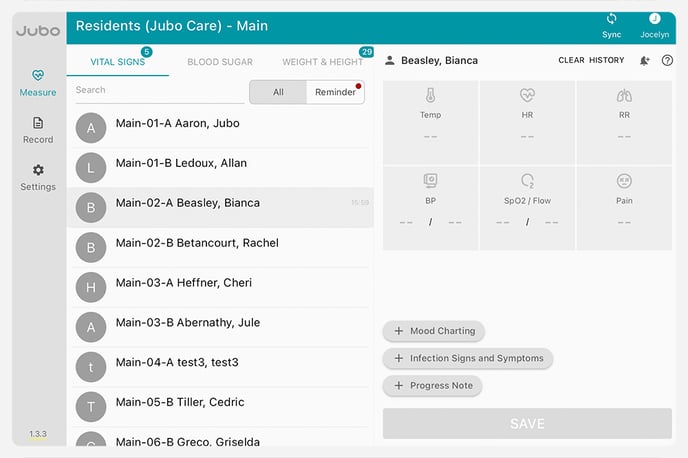
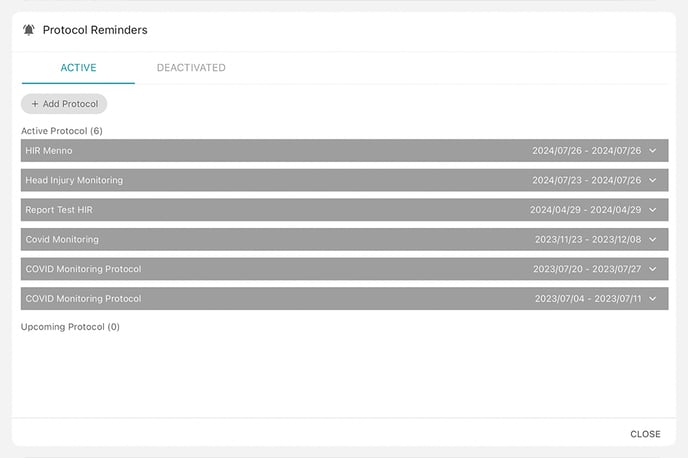
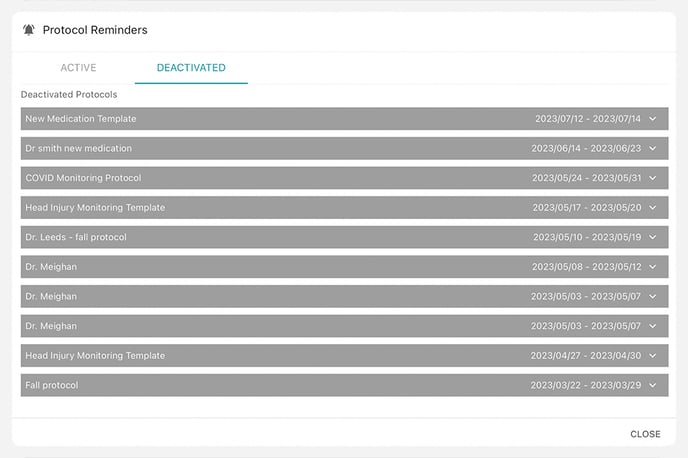
- Click on Active or Deactivated.
You can now view Active and Deactivated Protocols by toggling between the options.
To add a new Protocol:
- Click +Protocol Button.
- Select Protocol.
Mark as important if needed. - Select start date.
- Select start time.
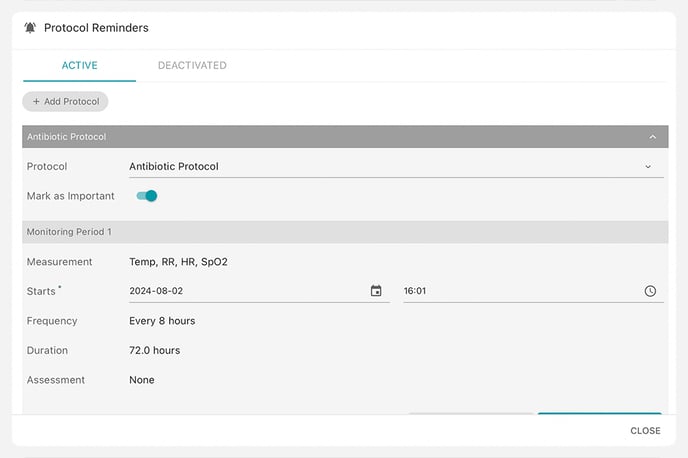
- Click Assign.
To see these steps in action, take the tour below: