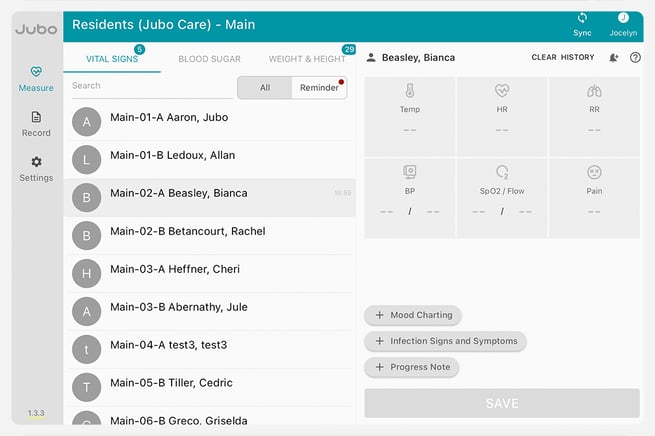
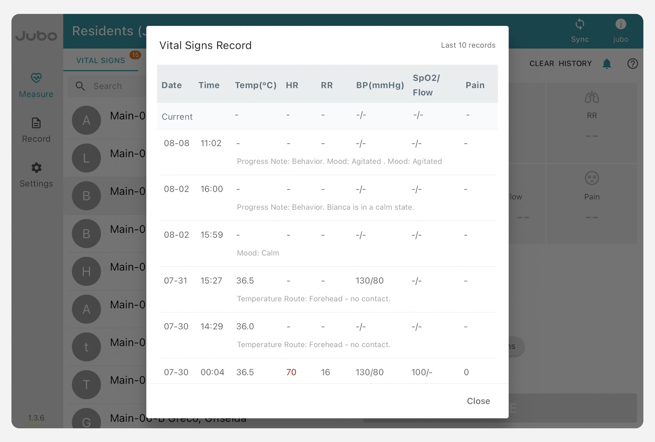
Reviewing residents' history Click on Measure in the left sidebar menu. Click on Vital Signs, Blood Sugar, or Weight & Height tab. Click on the resident’s name. Click History to review up to 10 last recorded measurements of this patient for the applicable tab. To view more than 10 records follow these steps. 4:40 - Residents history
![Jubo_Logo_web_200px.png]](https://help.jubohealth.com/hs-fs/hubfs/social-suggested-images/Jubo_Logo_web_200px.png?height=40&name=Jubo_Logo_web_200px.png)